Introduction to Bay Management
Learn how bays help you organize your workshop and track service capacity
Introduction to Bay Management
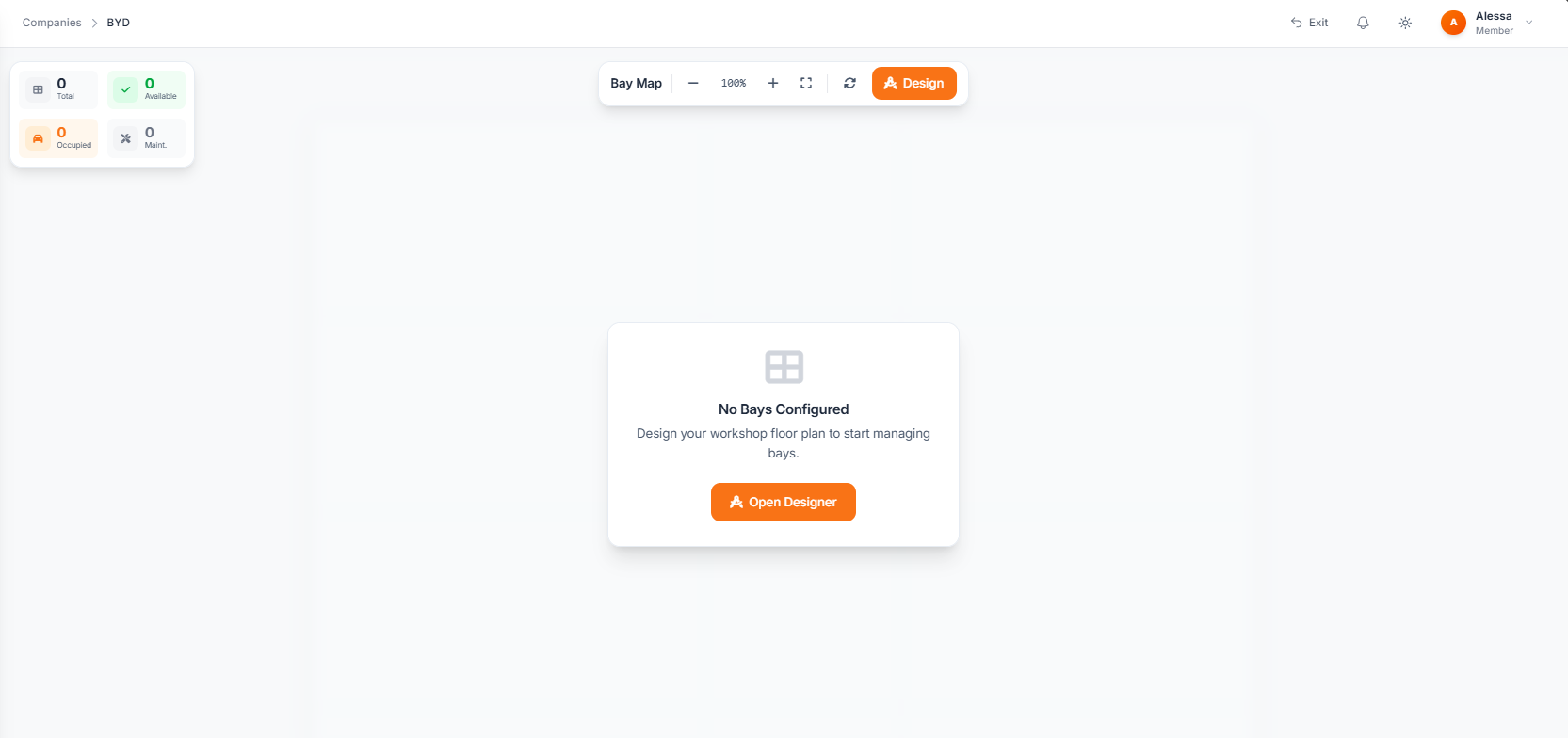
Bays are physical service locations in your workshop where work is performed. Hydra's bay management system helps you visualize your floor plan, track capacity, and assign jobs efficiently.
What Are Bays?
A bay represents a designated work area in your facility. This could be:
- Automotive shops - Lift stations, alignment bays, paint booths
- Detailing centers - Wash bays, detail stations, ceramic coating areas
- Service centers - Workbenches, inspection areas, specialty stations
Why Use Bay Management?
Visual Floor Planning
Design a digital representation of your workshop. Drag and drop bays to match your actual layout, making it easy for staff to understand the workspace.
Capacity Tracking
See at a glance which bays are occupied, available, or under maintenance. Plan your day knowing exactly what capacity you have.
Job Assignment
Assign service jobs to specific bays. Track where each vehicle or item is located and prevent double-booking of workspace.
Performance Insights
Understand bay utilization over time. Identify bottlenecks and optimize your workflow.
Bay Types
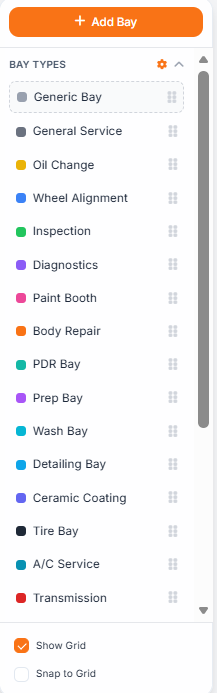
Hydra supports different bay types to match your operations:
| Type | Description | Example |
|---|---|---|
| Standard | General purpose work area | Basic service bay |
| Specialized | Equipment-specific station | Alignment rack, paint booth |
| Quick Service | High-turnover stations | Oil change pit, wash bay |
| Storage | Holding areas | Waiting zone, completed area |
Getting Started
To start using bay management:
- Navigate to Bay Management in your company sidebar
- Create your first bay or use the visual designer
- Configure bay types and properties
- Start assigning jobs to bays
The following tutorials will walk you through each step in detail.
Permissions
Bay management requires appropriate permissions:
- View bays - See bay status and assignments
- Manage bays - Create, edit, and delete bays
- Assign jobs - Assign service jobs to bays
Check with your administrator if you need access to bay management features.